
What Is the Snaptroid Browser Version?
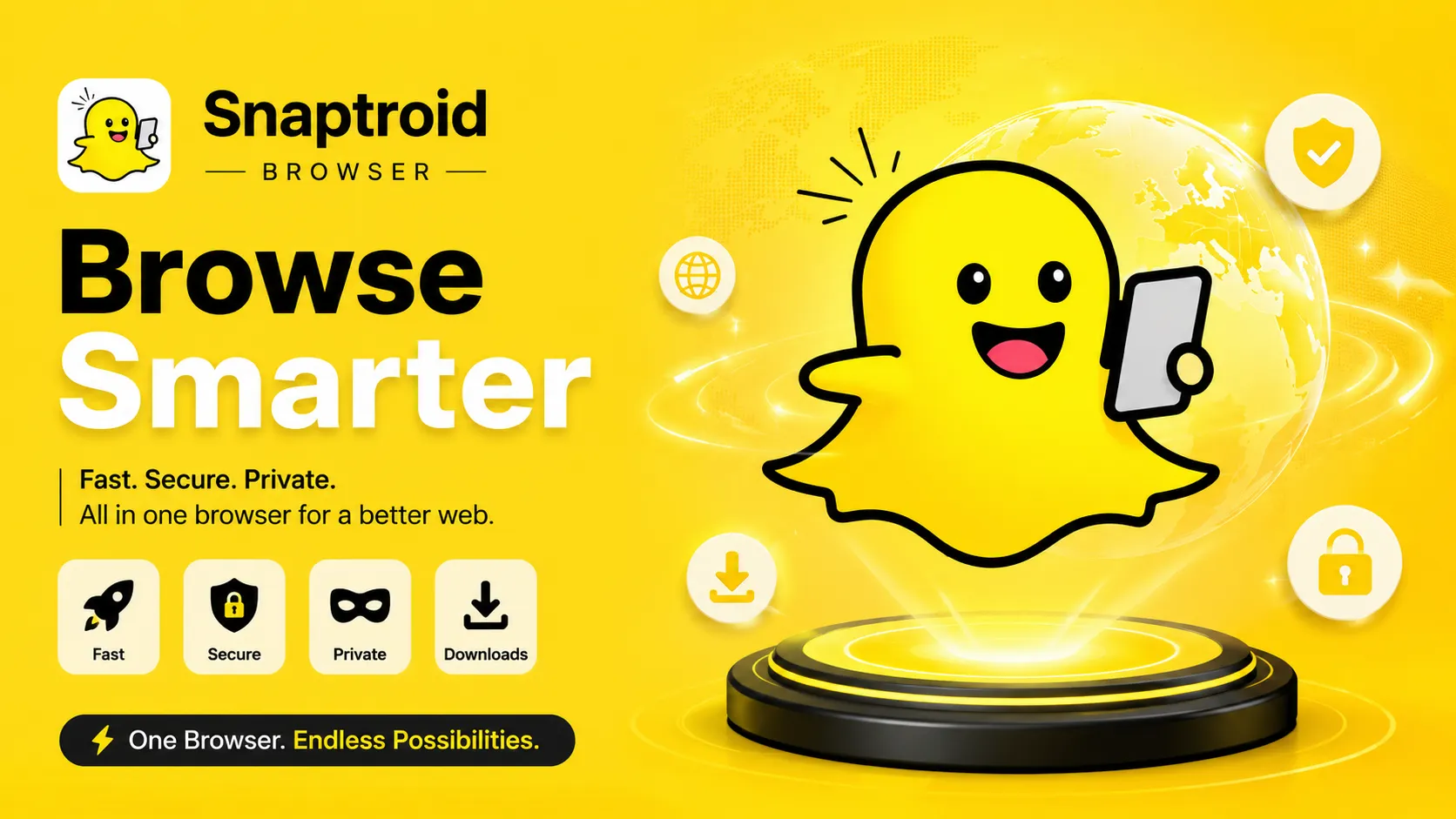
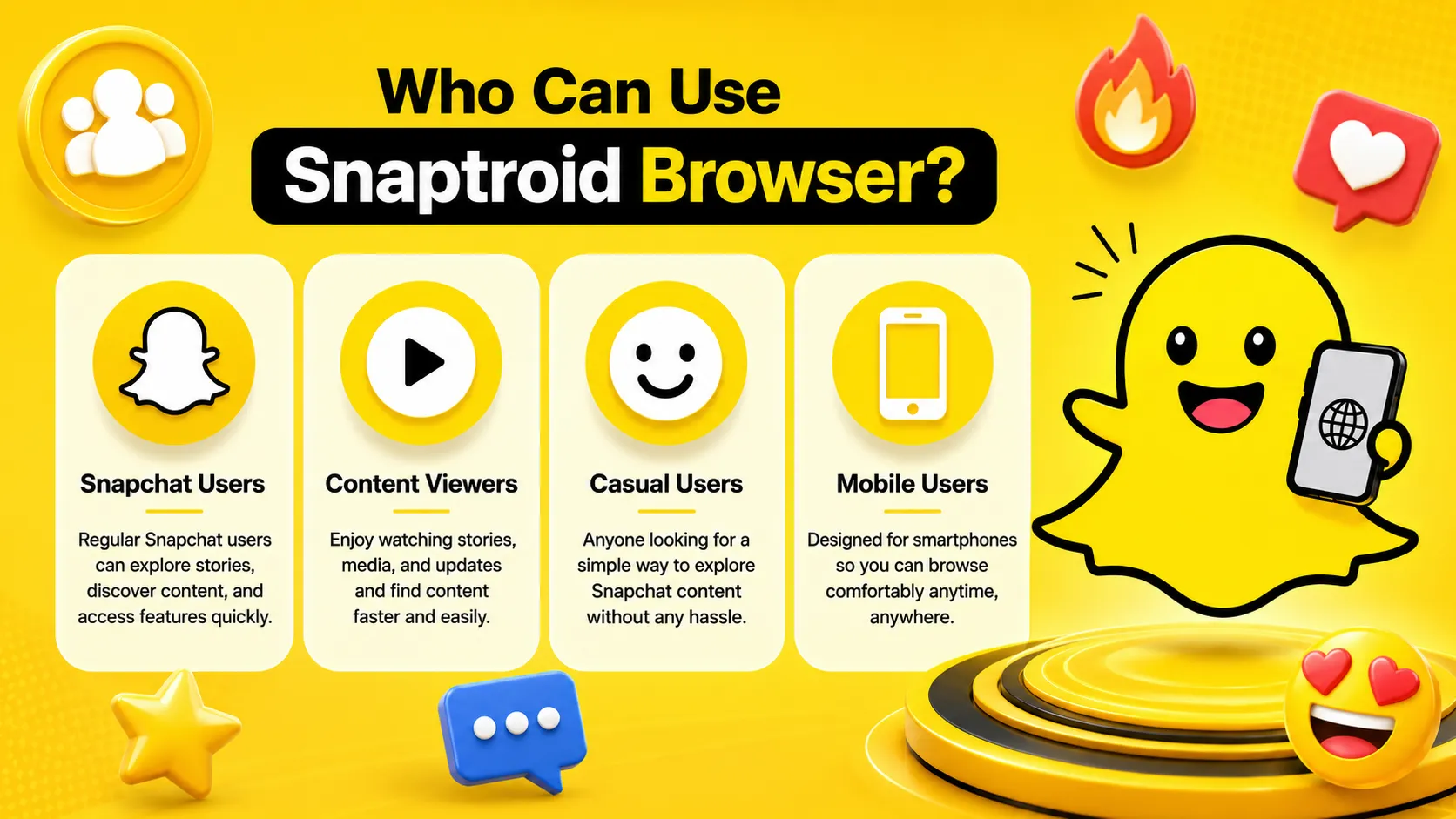
The Snaptroid browser version lets you search a public username and view available stories directly through a web page, without installing an APK or trusting a developer profile first. It is aimed at people who want to check something quickly on a shared or locked-down device where installing new apps is not practical.
Key Features of the Browser Version
No Installation Required
Works immediately from any modern browser, no download step at all.
Cross-Device Access
Usable on Windows, Mac, Chromebook, or any device with a browser, not just Android and iOS.
Quick Username Search
The same core search-and-view flow as the app, without the setup.
No Stored Credentials
Session-based use means nothing about your visit persists the way an installed app's settings would.
Browser Compatibility
The browser version is built to work with modern, up-to-date browsers rather than any one specific browser. Chrome, Firefox, Edge and Safari all handle it the same basic way, since it relies on standard web features rather than browser-specific extensions or plugins. The one thing that does matter is keeping whichever browser you use updated, an outdated browser is far more likely to cause a broken layout or a stalled search than the page itself.
How It's Different from the APK
- No installation, no storage permission, no developer profile to trust
- Works from any device with a modern browser, not just Android, iOS or an emulator
- Session-based rather than persistent, so your saved media and settings do not carry over the way they do in the installed app
- Generally more limited for offline saving and long-term media management
When the Browser Version Makes Sense
It is the better option when you are on a device you do not want to install anything on, a work computer, a shared family device, or a phone where you are just checking one profile and do not plan to use the tool regularly. For anything beyond occasional, one-off use, the installed app is the more capable option.
Limitations Compared to the App
The built-in media manager, offline access to previously saved stories, and the deeper settings available in the installed app are not part of the browser experience. Think of the browser version as a quick-access mode, not a full replacement for the APK described in our download guide.
How to Use It
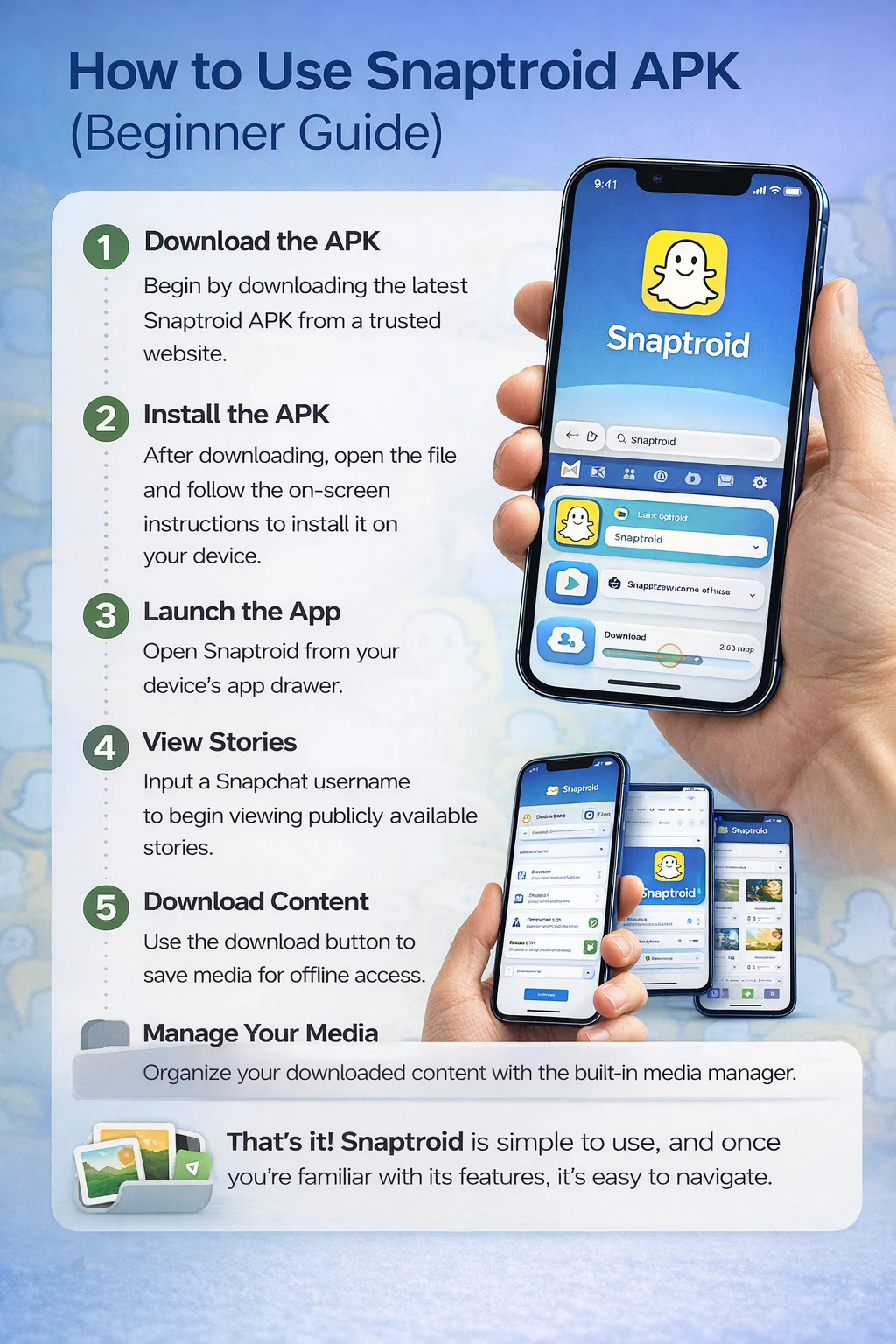
- Open the Snaptroid web page in your browser
- Enter the public username you want to view
- Browse the available stories directly in your browser window
- Save individual items if the option is available, or switch to the full app for regular use
Privacy Considerations for the Browser Version
Because nothing is installed, there is no lingering storage permission or app icon left on a shared device after you close the tab, which is exactly why people use it on computers they do not control. The tradeoff is that you are relying on the site itself being the genuine one, so always double check the domain before entering a username, the same way you would with any web tool.
Browser vs. APK vs. iOS: Which Should You Pick
Use the browser version for quick, occasional checks on a device you cannot or do not want to install anything on. Use the Android APK for regular use with full saving and media management. Use the iOS install path if your primary device is an iPhone and you want the full app experience there instead.
Pros and Cons
Pros
- Zero install, works instantly
- Usable on almost any device with a browser
- No permissions to grant at all
Cons
- No persistent media manager between sessions
- Fewer features than the installed app
- Best for occasional use rather than a daily habit
Frequently Asked Questions
Do I need to install anything to use the Snaptroid browser version?
No. It runs directly in your browser, no APK, no developer profile to trust, no storage permission needed.
Can I save stories through the browser version?
Some saving options are available, but the installed app's full media manager and offline access are more capable for regular use.
Does the browser version work on any device?
Yes, any device with a modern browser works, which is what makes it useful on shared or locked-down computers where installing apps is not practical.
Is the browser version safe to use?
Using the official browser page carries the same general precautions as any web tool: make sure you are on the correct, trusted domain rather than a copycat page.
Final Thoughts
The browser version is not trying to replace the app, it is a convenience option for moments the app cannot cover. Know which situation you are in, and pick accordingly.