
Which Version Should You Download?
Unless you are on an older device with specific compatibility needs, download the current version. Older version numbers still get searched by name because plenty of people installed them years ago and simply remember the number, not because they are the better choice today.
Why So Many Versions Exist
Like most actively maintained apps, Snaptroid has gone through incremental releases as Android itself has changed, as Snapchat's own public content structure has shifted, and as bugs and performance issues get identified and fixed. Each version number represents a real set of changes, not just a cosmetic bump.
Version History at a Glance
| Version | Status | Notes |
|---|---|---|
| 2.0 | Legacy | An early build many long-time users still remember by name. No longer updated. |
| 3.0 | Legacy | Added early stability improvements over 2.0. Also no longer receiving updates. |
| 4.1 | Older, still available | Stabilized the core story viewer and download flow. Kept available for devices with tighter compatibility needs. |
| 5.1 | Current | The recommended build. Faster downloads, better media quality, wider device compatibility. |
What Changed in Each Major Update
2.0 to 3.0
Early stability work and initial performance fixes over the original release.
3.0 to 4.1
A more substantial jump: the core story viewer and download flow were stabilized, reducing the crashes that affected earlier builds.
4.1 to 5.1
Faster downloads, better media quality on saved files, wider Android device compatibility, a cleaner interface, and general bug fixes across the app.
How to Download Snaptroid Safely
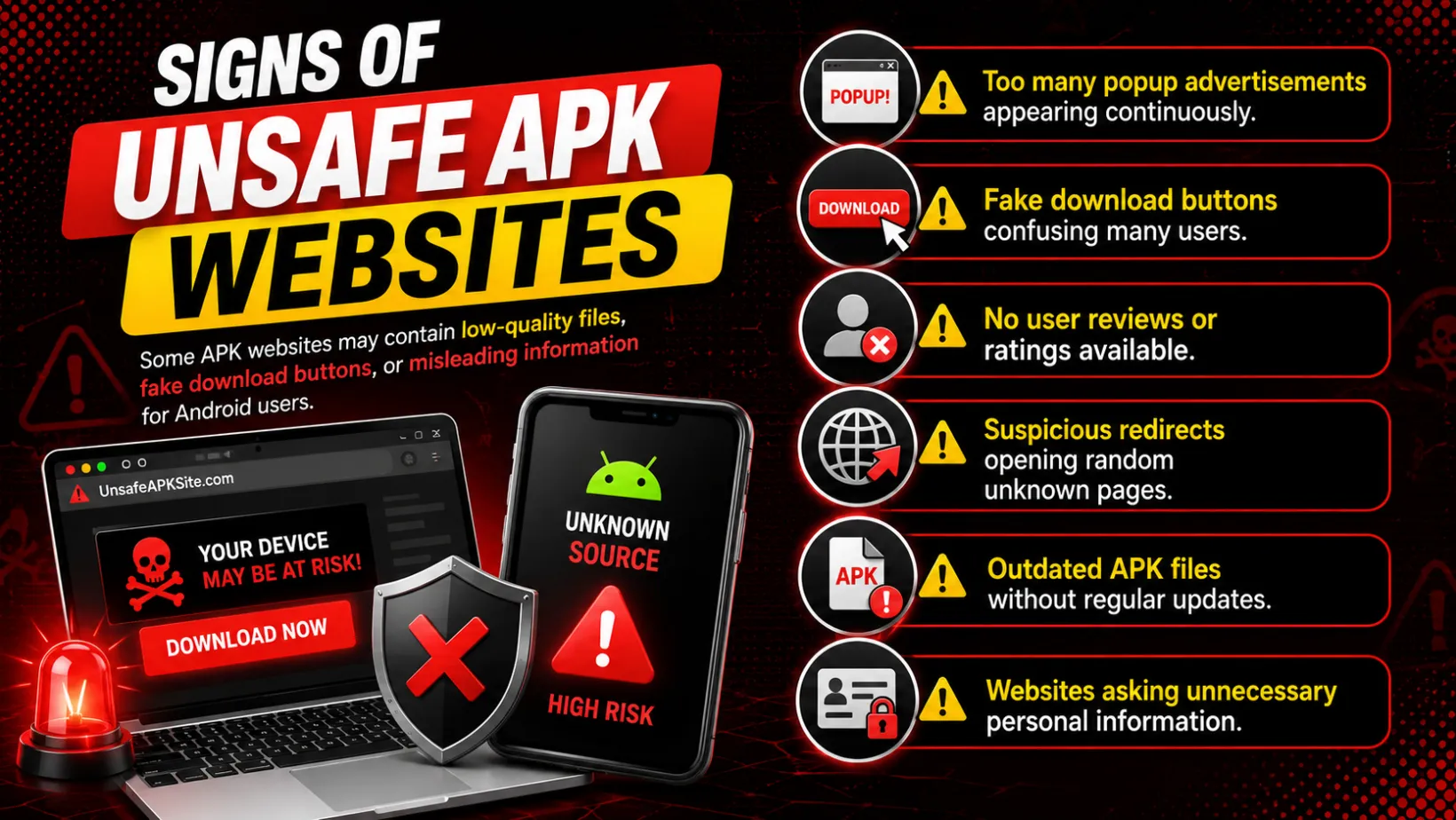
- Download from a source you trust, not the first search result you find
- Check that the version number and file size match what is listed for the current release
- Avoid sites that redirect you through multiple pages before the file loads
- Scan the file before installing, the same way you would with any APK from outside the Play Store
These steps line up with the broader checklist in our Snaptroid safety guide, worth a full read before installing anything unfamiliar.
Installing After Download
On Android
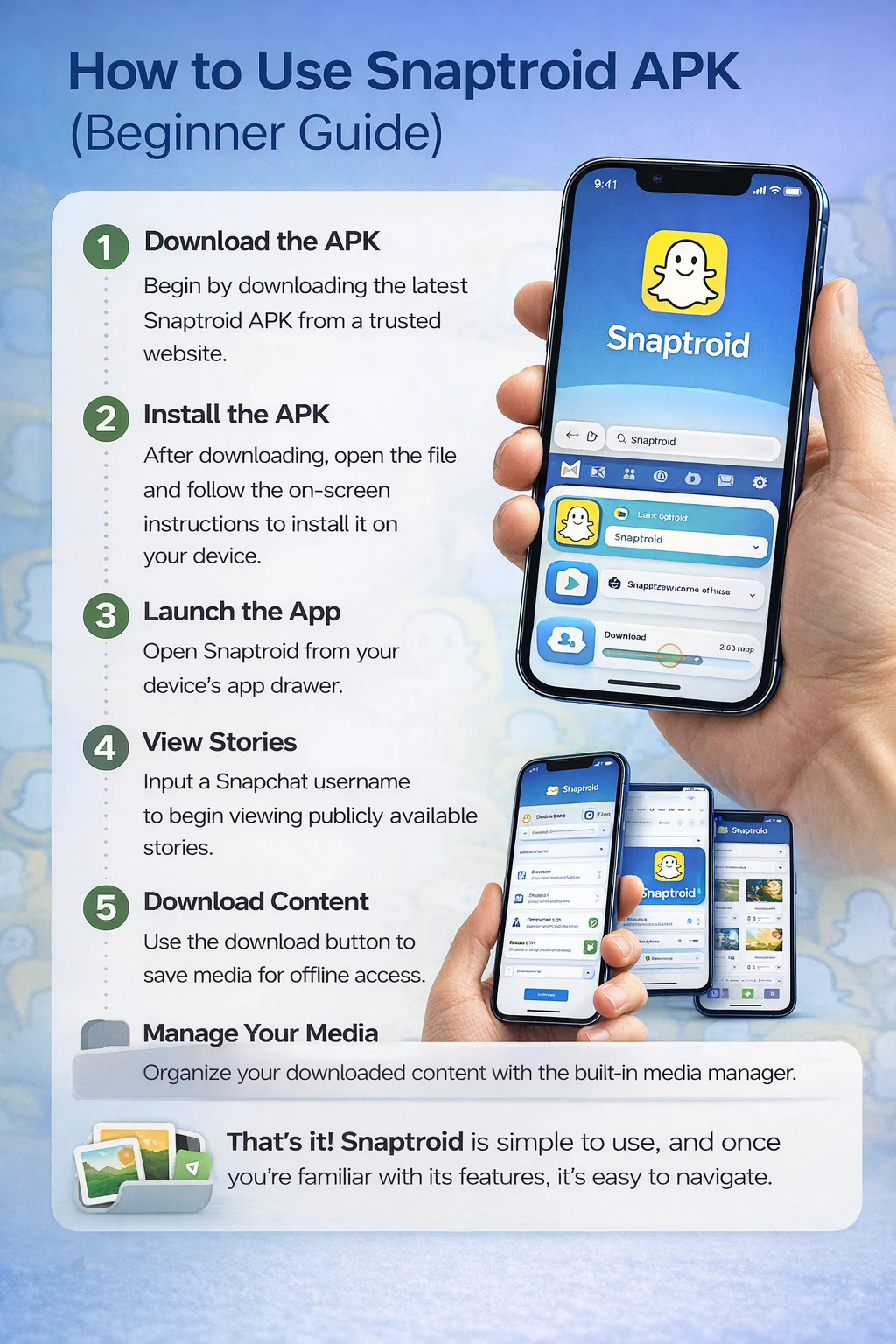
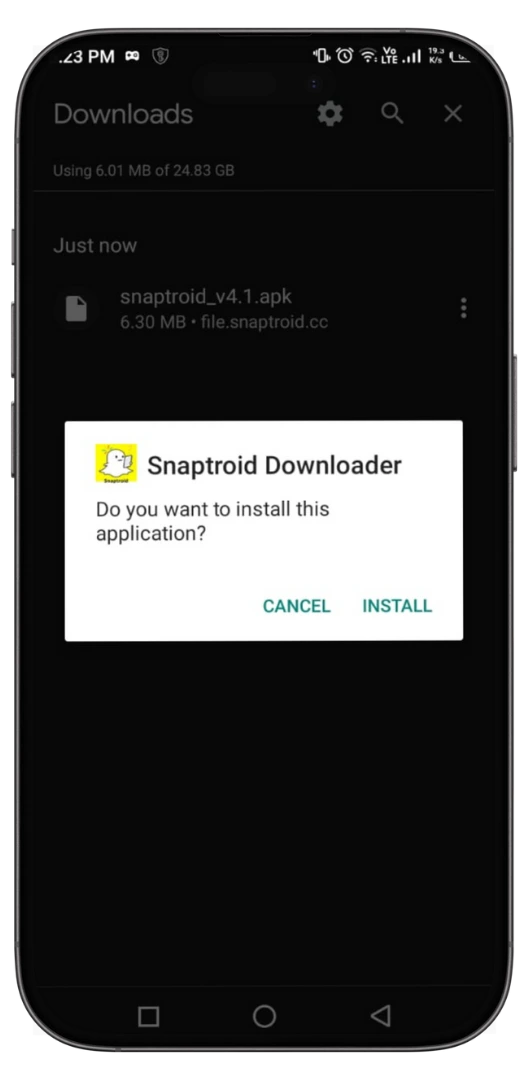
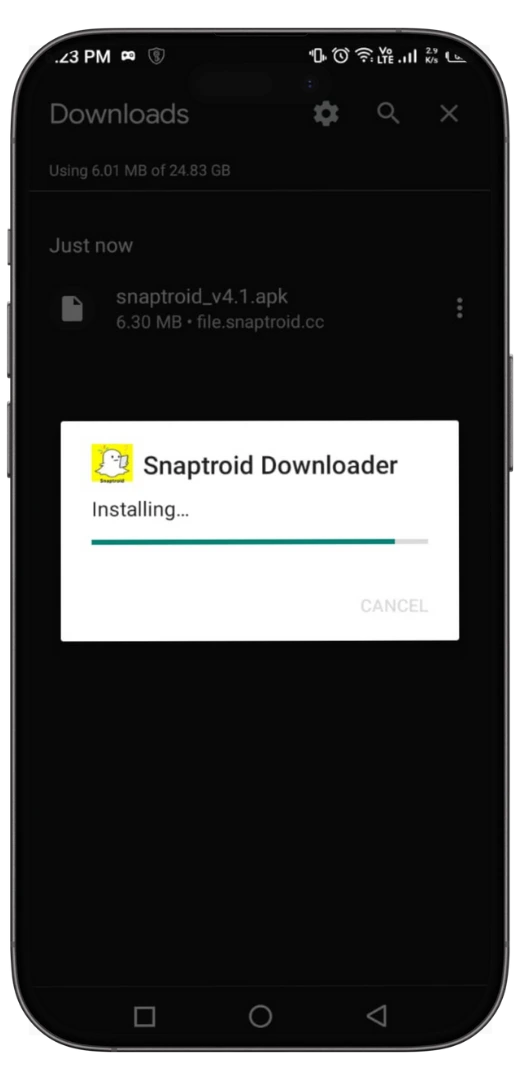
Enable installs from unknown sources in Settings, then open the downloaded file and follow the install prompt.
On iOS
Installation goes through a trusted third-party installer rather than the App Store, the full walkthrough is in our iOS install guide.
On PC
Run it through an Android emulator, with setup steps covered in our PC install guide.
Common Download Problems
- Download stalls or fails partway. Usually a connection issue, retry on a stable network.
- "App not installed" error. Often caused by a partially downloaded or corrupted file, redownload it cleanly.
- Wrong file size shown. A mismatch from the expected size is a sign the copy may not be genuine, redownload from a trusted source.
Where Not to Download Snaptroid From
Avoid file-sharing forums, random comment-section links, and sites that require you to complete a survey or "verification" step before unlocking the download. That pattern is a common way fake, ad-stuffed, or malware-bundled APKs get distributed under a trusted app's name.
Don't Want to Download Anything?
If installing an APK is not something you want to deal with at all, the Snaptroid browser version runs directly with no download required, though it trades away a few features for that convenience.
Frequently Asked Questions
Where can I download Snaptroid 2.0 or 3.0?
Those builds are legacy versions and are no longer actively distributed or updated. Unless you have a specific compatibility reason, the current 5.1 release covers everything they did and more.
Do I need to uninstall an old version before installing a new one?
Generally no, installing over an existing version works fine and preserves your settings. If you run into install errors, an uninstall and clean reinstall usually resolves it.
Is the APK download free?
Yes. Snaptroid's core app is free to download and use, with optional VIP and Pro tiers for extra features.
Why do download sites ask for the version number?
Because file size, permissions and compatibility can differ meaningfully between releases. Confirming the version helps you verify you have a genuine, current copy rather than a stale or altered one.
Final Thoughts
If you only take one thing from this guide: 5.1 is the version to install today, and anything claiming to be a newer, exclusive, or "unlocked" build beyond that should be treated with suspicion rather than excitement. For the fuller picture of how the current version actually performs, read our honest review.