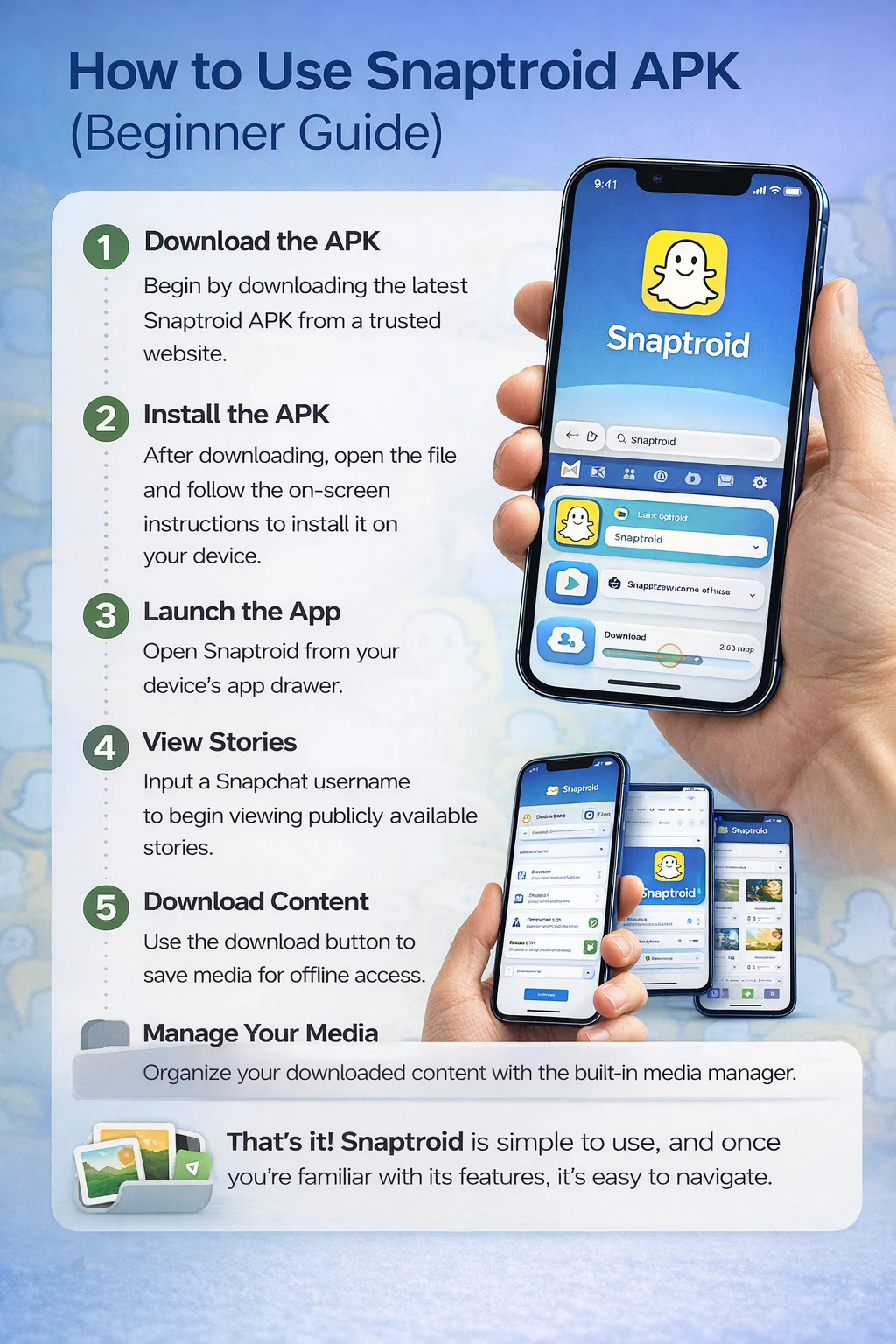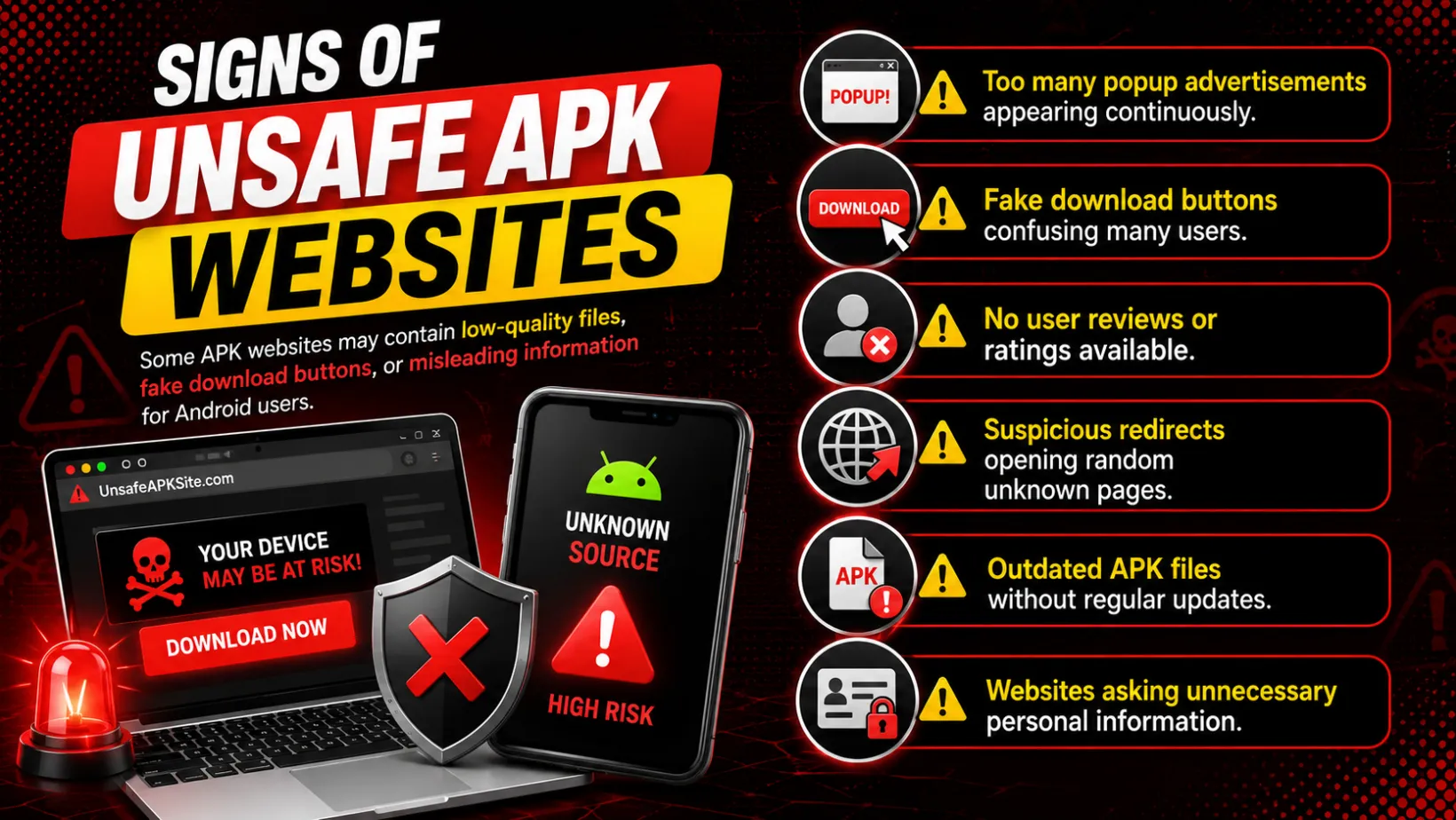

What Is Snaptroid on iOS?
It is the same Snaptroid experience, viewing and saving public Snapchat stories without an account, adapted to run on iPhone and iPad through a different installation method than the Android APK. The underlying features are consistent across platforms; only the path to get it installed changes.
Why Snaptroid Isn't on the App Store
Apple's App Store review process does not allow apps that interact with another platform's content the way Snaptroid does, so it is distributed directly instead, the same way most third-party Snapchat tools are. That is normal for this category of app, but it does mean installation looks different from tapping "Get" in the App Store.
Main Features of Snaptroid on iOS
Anonymous Story Viewing
Browse public stories without appearing on the poster's viewer list.
Simple Interface
A search bar and a story feed, with nothing extra to learn before you can use it.
Fast Loading
Stories load quickly even on a standard mobile connection.
Lightweight Footprint
Small enough that it does not noticeably affect your iPhone's available storage.
Privacy-Focused Design
No Snapchat login required, so nothing links your viewing activity back to a personal account.
Broad iPhone Compatibility
Works across a wide range of iOS versions, not just the newest devices.
Straightforward Installation
A handful of steps through a trusted installer, covered in full below.
Regular Updates
Maintained alongside the Android version rather than left to fall behind.
What You Need Before You Start
- An iPhone or iPad running a reasonably current iOS version
- A stable Wi-Fi connection for the initial download
- A trusted third-party installer app, since Snaptroid is delivered through one rather than a direct App Store listing
How to Install Snaptroid on iPhone
- Open a trusted third-party installer app on your iPhone.
- Search for Snaptroid within the installer's library.
- Tap install and wait for the download to finish. This can take longer than a normal App Store install.
- Once installed, do not open the app yet. Go to Settings, then General, then VPN and Device Management.
- Find the developer profile associated with Snaptroid and tap Trust.
- Return to your home screen and open Snaptroid like any other app.
Trusting the Developer Profile (Why This Step Exists)
Apps installed outside the App Store are not automatically trusted by iOS. This is a built-in security measure, not something specific to Snaptroid: any app delivered this way needs its developer profile approved once in Settings before it will open. If you skip this step, the app will simply fail to launch with a generic "untrusted developer" message. Trusting it once is normally enough for future updates too.
How to Use Snaptroid on iOS
- Open Snaptroid from your home screen.
- Search a public Snapchat username.
- Browse the stories currently available on that profile.
- Save anything you want to keep, it is typically stored in your Photos app on iOS rather than a general file manager.
Is the iOS Version Different from Android?
The core experience, searching a public username and browsing available stories, is the same on both platforms. The main differences come from iOS itself: file downloads are typically saved into the Photos app rather than a general file manager, and background behavior is more restricted, so leaving Snaptroid running in the background may pause longer downloads until you reopen it.
Is Snaptroid Safe on iOS?
Yes, under the same conditions that apply to any platform: install it from a trusted source, keep it updated, and avoid mirrors that ask for anything beyond the app itself. The iOS installation path adds one extra trust step compared to Android, but it does not change the underlying safety profile covered in our full Snaptroid safety breakdown.
Troubleshooting Common iOS Install Issues
- "Untrusted Enterprise Developer" won't go away. Double check you trusted the correct profile under VPN and Device Management, then restart your phone.
- Installer app can't find Snaptroid. Try a different trusted installer, since availability inside these apps can shift over time.
- App disappears after a few days. This happens when Apple revokes a shared developer certificate. Reinstalling through the same installer usually resolves it.
- App crashes on launch. Confirm you are on the current version via our download guide, and reinstall cleanly if needed.
Pros and Cons
Pros
- Same core features as the Android version
- No App Store account restrictions to work around
- Lightweight and fast even on older iPhones
- Regularly updated alongside Android
Cons
- Requires a third-party installer rather than a direct App Store download
- Occasional developer-certificate interruptions are an iOS-wide issue for sideloaded apps
- Background behavior is more limited than on Android
Frequently Asked Questions
Is Snaptroid available on the App Store?
No. It is distributed through a trusted third-party installer instead, which is standard for this category of app since Apple's review process does not allow this kind of Snapchat-adjacent tool.
Is Snaptroid safe for iOS users?
Yes, when installed from a trusted installer and kept updated. The same safety rules that apply to the Android version apply here: check the source, check the permissions, avoid random mirrors.
Why do I have to trust a developer profile?
Because iOS does not automatically trust apps installed outside the App Store. This is a built-in Apple security measure that applies to every app distributed this way, not something specific to Snaptroid.
Can I use all of Snaptroid's features on iOS?
The core viewing and saving experience is the same as Android. A few background-behavior differences exist because of how iOS handles apps that are not actively open.
Final Thoughts
Installing Snaptroid on iOS takes a few more steps than a typical App Store download, but none of them are complicated once you know what to expect. Trust the developer profile, keep the app updated, and the experience runs just as smoothly as it does on Android.