
Public Story Viewing
Browse publicly shared Snapchat stories without needing to log in or add contacts first.
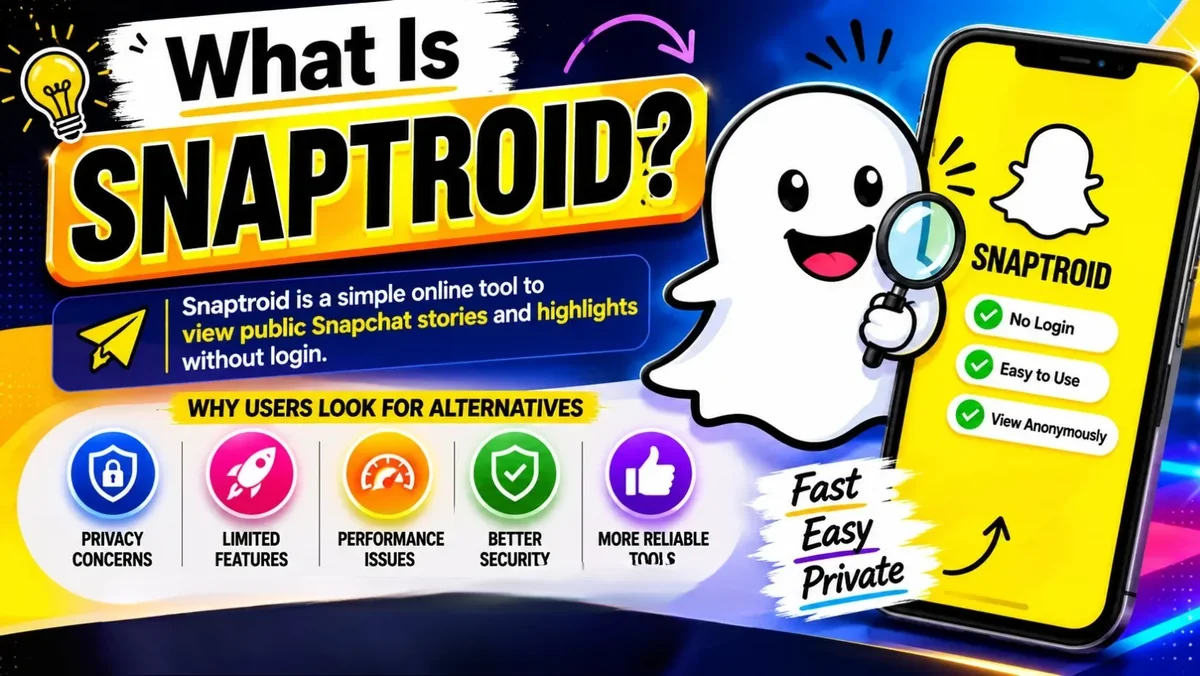
Snaptroid is a Snapchat story viewer and downloader for Android. Browse public Snapchat stories and save the media you want, with a smoother and more private experience than the official app.
No Snapchat login required. Works on Android, iOS and PC.
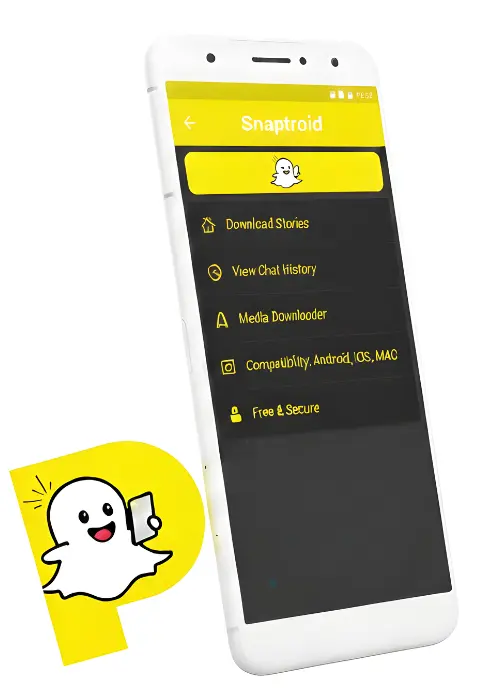 Story viewer
 Fast downloads
Overview
Snaptroid is a lightweight, third-party tool built for people who want a simpler way to browse and save public Snapchat stories. It runs natively on Android, with additional install paths for iOS and PC through an emulator, and it works without asking you to sign in with a Snapchat account.
Instead of replacing Snapchat, Snaptroid sits alongside it as a dedicated Snapchat story viewer, a faster way to browse public stories, plus a built-in media saver and a cleaner interface with far fewer distractions than the official app.
Changelog
Eight real improvements over v4.1, focused on speed, stability and privacy rather than just a version bump.
Capabilities
Fifteen features that cover viewing, saving, organizing and sharing, all built into one lightweight app.
Browse publicly shared Snapchat stories without needing to log in or add contacts first.
Save stories directly to your device in a couple of taps, ready to watch again offline.

A dedicated manager keeps every saved photo and video organized in one place.

Look up public content by username, with no account creation or verification needed.

Review, sort and clean up everything you have downloaded from a single screen.

The app is actively maintained, with new features and compatibility fixes on a regular basis.

Send saved stories to other apps instantly, without extra conversion steps in between.

Light trimming and cropping tools for saved media, built right into the app.

Downloads preserve the original resolution wherever the source allows it.

Helpful prompts walk you through search and downloads, no outside tutorial needed.

No contact list and no message history, just a straightforward way to view public stories privately.

Browse and download without pop-ups or banner ads interrupting the flow.

Automatically detects video stories and grabs the best available quality.

A guided setup gets you from download to first use in under a minute.

At roughly 10MB, it installs fast and stays light on storage and memory.
Not all fifteen will matter equally to every person. The ones that actually change daily use are the ones that remove a step, no account, no login, a search bar instead of a menu, rather than the ones that just sound impressive on a feature list. Worth weighing which of these you would genuinely use before treating the full list as a reason to install.
Setup Guide
Pick your platform, Android, iOS or PC, for a step-by-step walkthrough.
Walkthrough
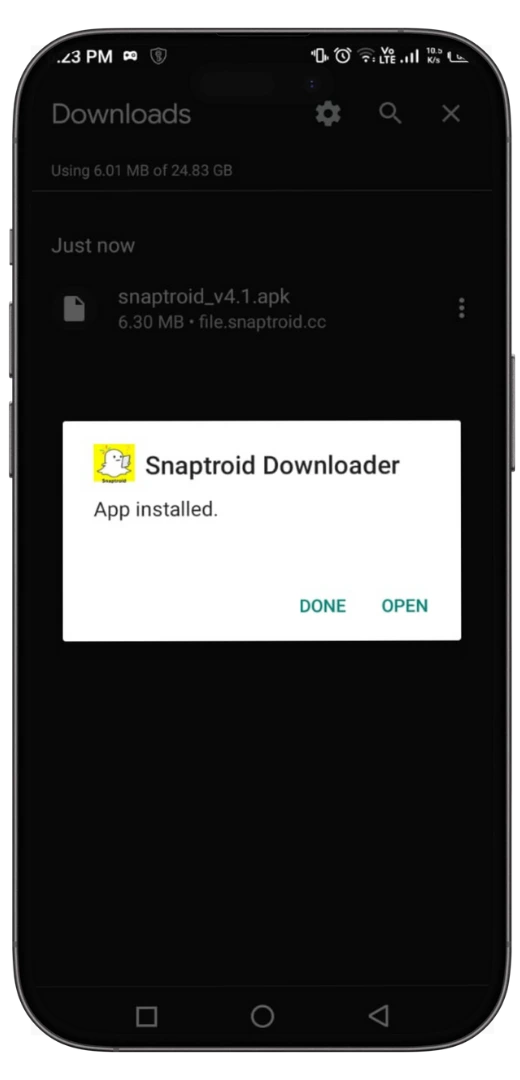
Once it is installed, on Android, iPhone, or Windows, getting around Snaptroid takes about five steps.
Launch Snaptroid from your home screen once installation is finished.
Search for a public profile to see what stories are currently available.
Tap through stories in the built-in viewer before deciding what to save.
Open the media manager any time to view everything you have downloaded so far.
Fine-tune media quality, storage location and privacy preferences to fit how you use the app.
Comparison
Snaptroid is a companion tool built around the things the official Snapchat app leaves out, not unlike other named alternatives such as Instatroid, though the two differ in some important ways.
| Category | Snaptroid | Snapchat |
|---|---|---|
| Story viewing | Anonymous and flexible | Requires an account, visible to the sender |
| Media saving | Built-in downloader | Not supported natively |
| Installation | Simple APK sideload | Official app stores only |
| Customization | Username-based custom access | Fixed official interface |
| Privacy controls | Extra privacy layer | Standard Snapchat privacy |
| Hidden or extra tools | Editing and saving utilities | Core chat and camera only |
| Best for | Viewing and saving stories | Two-way messaging |
| Pricing | Free, with optional Pro or VIP tiers | Free, with a Snapchat+ upsell |
None of this makes one app strictly "better," they solve different problems. If staying in touch with friends is the goal, nothing here replaces Snapchat itself. If the goal is checking public content quickly without the account overhead, that gap is exactly what Snaptroid and similar tools exist to fill, which is also why comparing them head-to-head on chat features misses the point of either one.
Editions
Two tiers built for two different priorities: privacy and control, or simplicity and speed.
Pricing for both tiers is set inside the app itself rather than published here, since it can change between releases. The difference that matters most before you upgrade: VIP leans toward privacy and control, Pro toward a lighter, simplified experience, neither changes the core viewing and saving features covered elsewhere on this page.

Before You Install
Snaptroid is built to run comfortably on older and budget phones, not just the newest flagships, and its permission footprint stays just as minimal. Here is what your device needs before you install it.
Optimization
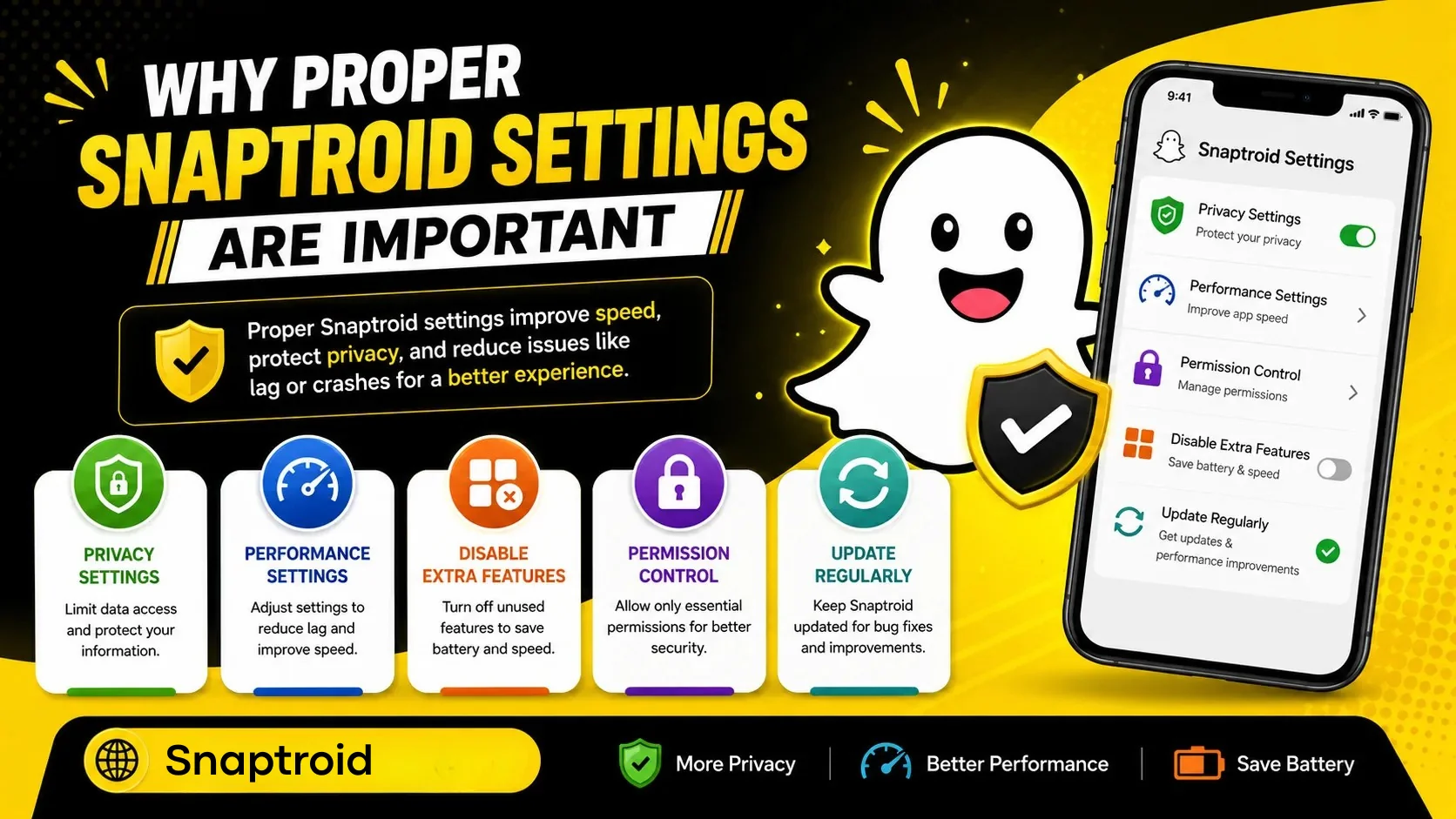
A handful of small setting changes, especially keeping the app on its latest version, can make Snaptroid noticeably faster and easier to manage day to day.
Privacy
One of the more requested Snaptroid capabilities is saving public story media without triggering the screenshot alert Snapchat normally sends, an extension of the same anonymous viewing Snaptroid is built around. Because Snaptroid pulls publicly available story content directly rather than opening it inside the Snapchat app itself, the sender is not notified the way they would be from a native in-app screenshot.
This is meant for saving your own memories and publicly shared content responsibly. Always respect the privacy of people you interact with, and avoid saving or redistributing private messages or content that was not meant to be shared.
Versions
Snaptroid has gone through several releases since the early 2.0 and 3.0 builds that a lot of long-time users still remember by name. Each version since then has refined performance and reliability a bit further: 4.1 stabilized the core story viewer and download flow, and 5.1 is the current, recommended build for most Android users today. Older versions like 4.1 remain available for devices with tighter compatibility needs.
Version numbers roughly track feature additions and stability work. Later versions consistently load faster, crash less often, and handle a wider range of story and media formats than the releases before them, including the 2.0 and 3.0 builds that are no longer actively updated.
If you are not sure which version you have installed, open Snaptroid and check the about or settings screen, where the current version number is listed.
Troubleshooting
Most issues come down to a handful of causes, the same ones we break down in full in our fix guide.
Alternatives
Snaptroid is not the only option out there. These are worth knowing about too.

A straightforward saver focused purely on downloading stories quickly, with minimal extra features to get in the way.
Compare in detail
Leans into anonymous viewing, letting you browse stories without leaving a trace on the sender's side.

A media-first tool built around organizing and archiving everything you capture in one library.
Trust and Safety
A fair question to ask before installing anything outside the Play Store is whether Snaptroid is legit, or just another scam APK riding on Snapchat's name, a question worth its own full security breakdown. Snaptroid is a real, actively maintained third-party application, not a virus and not a data harvesting front. That said, it does not go through the same review process as apps distributed on the Google Play Store or Apple App Store, so the responsibility for downloading it safely falls on you.
The safest way to use Snaptroid is to download it directly from a source you trust, keep it updated to the latest version, and avoid installing copies shared through random links, forums or unofficial mirrors, since that is where fake, malware-loaded clones tend to circulate. It is also worth running a quick scan with your phone's built-in security tools or a reputable antivirus app before installing any APK file, including this one.
As for whether it actually works: yes. Snaptroid only needs storage access to save media and network access to load stories. That narrow permission request is itself a useful signal: a tool built to quietly harvest data or messages would typically also ask for contacts, SMS, or accessibility access to do so, and Snaptroid does not request any of that. It does not require your Snapchat password, it cannot access private messages, and it cannot see content that was never shared publicly in the first place.
Verdict at a Glance
A quick-glance rundown of where Snaptroid holds up and where it does not, drawn from our honest review.
FAQ
Yes. Snaptroid is completely free, with no subscription, no hidden fees and no account registration needed to get started.
Yes, when you download it from a source you trust and keep it updated. The specific permissions and red flags to check are worth knowing before you install.
Snaptroid is a legitimate, actively maintained tool with a large existing user base. It is not a scam when downloaded from a trustworthy source. Fake copies do circulate on random download sites, which is where most "is this a scam" complaints actually come from, so stick to a source you trust.
Yes, it is a genuine, actively maintained app, not a fake listing or an abandoned project. That is a separate question from whether every copy you find online is safe, for that, see the question above.
Yes. Snaptroid reliably loads and saves publicly available Snapchat stories. Most reports of it "not working" trace back to an outdated version, a spotty connection, or a fake copy downloaded from an unofficial source rather than the app itself, the same causes behind most entries in our troubleshooting guide.
No. Snaptroid does not ask for a Snapchat login or any account of your own. You open the app and search a public username to start viewing. If you come across a site asking you to log in with a "Snaptroid account" to proceed, treat it as suspicious. That is not how the real app works.
Yes. Snaptroid supports Android 5.0 and above, which covers the vast majority of Android phones and tablets still in use today.
Yes. Snaptroid can save publicly available Snapchat stories directly to your device so you can watch them again offline.
Yes. Some versions of Snaptroid support iOS through a trusted third-party installer, since it is not distributed through the App Store.
Yes. Install an Android emulator such as BlueStacks or LDPlayer on your PC, then install the Snaptroid APK inside it the same way you would on a phone.
No. Snaptroid is distributed as a direct APK download rather than through official app stores, which is common for third-party Snapchat tools.
Snaptroid typically asks for storage access so it can save downloaded media, and network access to fetch stories. It does not need your Snapchat password to view public content.
Final Verdict
For anyone who wants a lighter, faster way to browse and save public Snapchat stories, Snaptroid delivers solid value, a conclusion backed up in our full hands-on review, provided it is downloaded from a trustworthy source and used with reasonable caution around third-party APKs.

Lead reviewer covering Android tools and app safety. Installs and tests every app personally before writing about it. More about Sophie.