
Quick Overview
Snaptroid and Instatroid share more than a naming pattern, both are third-party viewer tools built around the same basic idea: browse public content without going through the official app's account system. Both fall under the broader umbrella of what's generally called a Snapchat story viewer. The similarity in branding is exactly why people search for the two side by side, so here is how they actually differ where it matters.
Why These Names Sound So Similar
The "-troid" ending shows up across a whole cluster of third-party Android tools, not just these two, it leans on "Android" itself rather than on any single brand. That is worth knowing before assuming two similarly named apps must be connected: in this category, a shared suffix is a branding choice, not evidence of a shared developer, shared codebase, or shared safety record. Judge each one on its own permissions, version history and source, not on how familiar the name sounds.
Feature Comparison
| Category | Snaptroid | Instatroid |
|---|---|---|
| Primary focus | Snapchat story viewing and saving | Similar viewer-style functionality |
| Account required | No | Varies by version |
| Platform support | Android, with iOS and PC install paths | Primarily Android |
| App size | Roughly 10MB | Varies by release |
| Free tier | Yes, with optional VIP and Pro tiers | Yes, tiers vary |
| Official app store listing | No, direct APK distribution | No, direct APK distribution |
| Documentation and version history | Clearly tracked across 2.0 through 5.1 | Less consistently documented |
Because both apps are distributed outside official stores and neither publishes detailed version documentation the way a Play Store listing would, some of these details vary release to release. Treat this as a general shape of the comparison rather than a guaranteed spec sheet for whatever build you find.
Similarities Between the Two
- Both operate without requiring a Snapchat account of your own
- Both are distributed directly rather than through official app stores
- Both attract the same "is it safe / is it legit" scrutiny common to this app category
- Both offer a free core experience with optional paid tiers
Where Snaptroid Pulls Ahead
Snaptroid's clearer version history, wider documented platform support across Android, iOS and PC, and larger, more established user base give it an edge for anyone who wants a tool that is easier to research and verify before installing.
Interface and Ease of Use
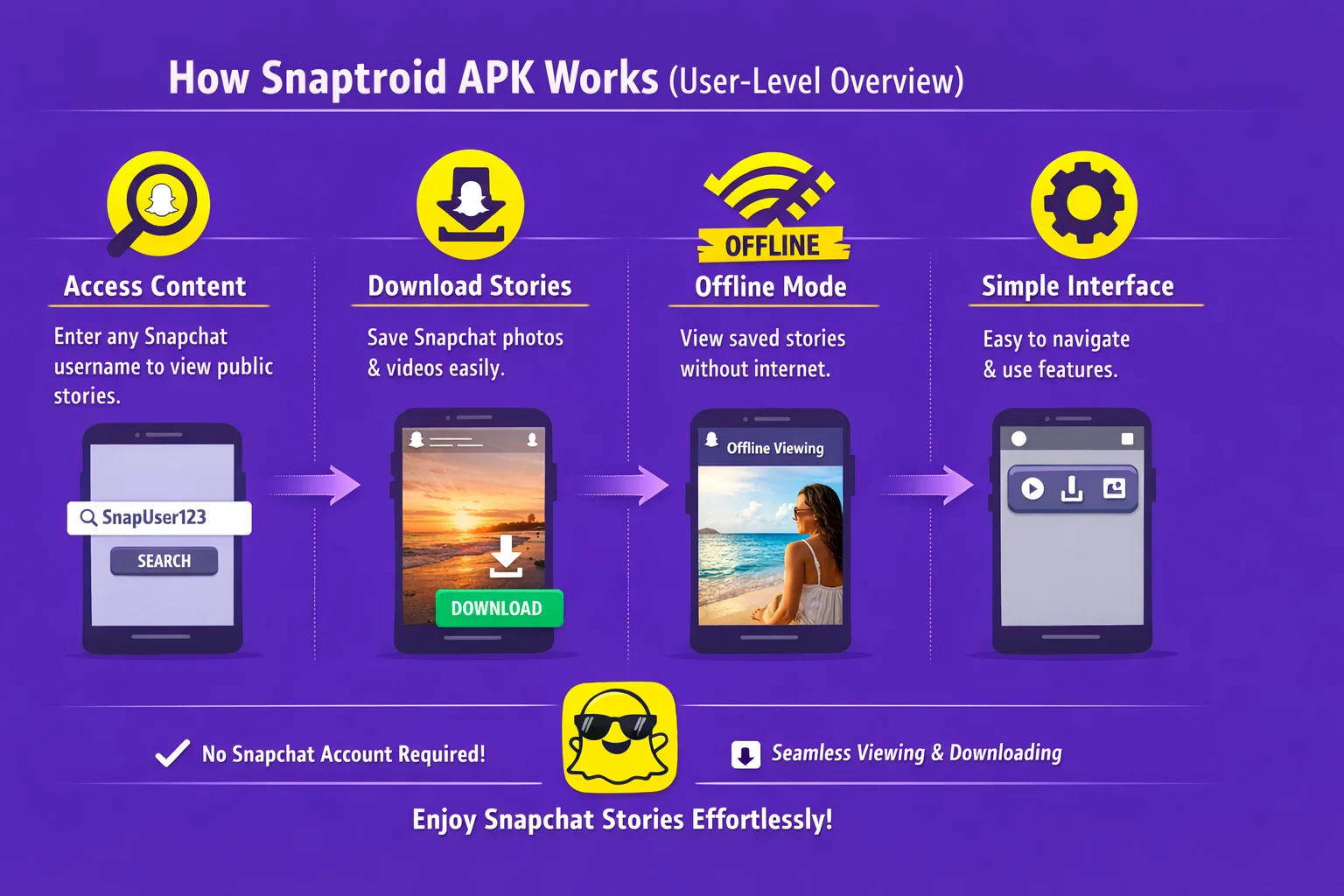
Both apps follow the same basic pattern, search a username, browse a story feed, save what you want, so neither has a steep learning curve. The practical difference shows up in the surrounding experience: Snaptroid's built-in media manager and documented version history make it easier to know exactly what you have installed and what changed in the last update, which matters more than it sounds once you have used either tool for a while.
Pros and Cons of Choosing Snaptroid
Pros
- Clearer, consistently documented version history
- Established install paths for Android, iOS and PC
- Larger existing user base to reference for reviews and feedback
- Built-in media manager for organizing saved stories
Cons
- Still not on an official app store, like Instatroid
- Some features reserved for VIP and Pro tiers
Safety and Trust
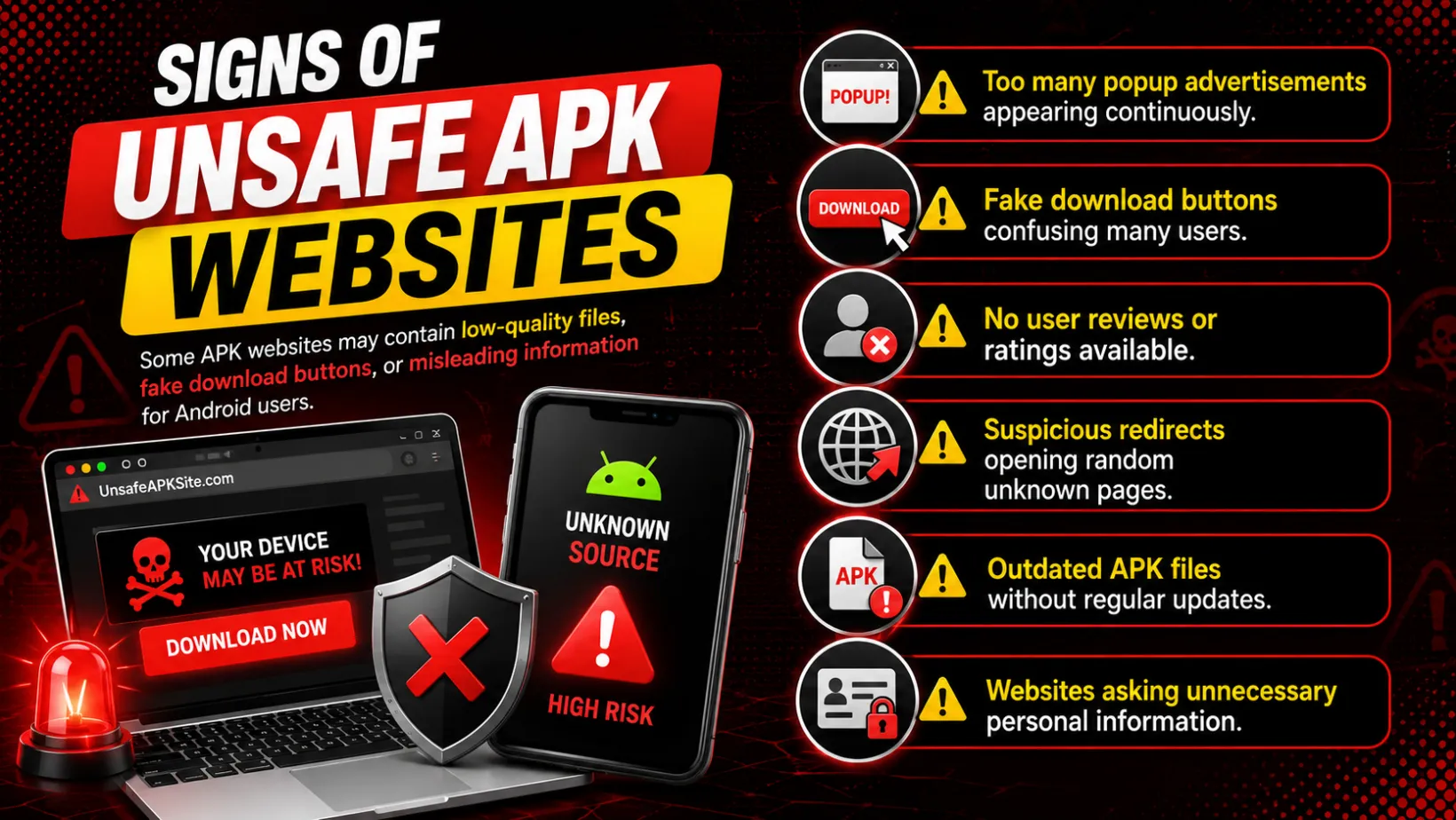
Both names attract the same kind of search pattern: "is it safe," "is it legit," "is it a scam." That is normal for this entire category of app, not unique to either one. The same rule applies to both: the safety of any specific install depends far more on where you downloaded it from than on which of the two brand names is on it, the same checklist our Snaptroid safety breakdown applies either way.
Which One Should You Choose?
If Snapchat story viewing specifically is what you are after, Snaptroid is built and maintained around exactly that use case, with a clearer install path across Android, iOS and PC, the full case for which is laid out in our honest review. Our Snaptroid vs. SnapSaver comparison is worth a look too, for anyone weighing a saving-focused alternative instead.
Frequently Asked Questions
Are Snaptroid and Instatroid made by the same company?
No. They are separate, unrelated tools that happen to follow a similar naming pattern common in this app category.
Which one is safer?
Safety depends far more on where you download either one from than on the brand name itself. Apply the same checklist to both: trusted source, minimal permissions, current version.
Can I use both apps at the same time?
Technically yes, they do not conflict with each other, though most people settle on one once they find the workflow they prefer.
Does Instatroid work on iOS and PC too?
Availability and install paths vary by release and are not as consistently documented as Snaptroid's, so check current details before assuming feature parity.
Final Verdict
Both tools serve the same core need, but Snaptroid's documentation, cross-platform reach and established track record make it the easier one to research, verify and trust before you install anything.