
Quick Overview
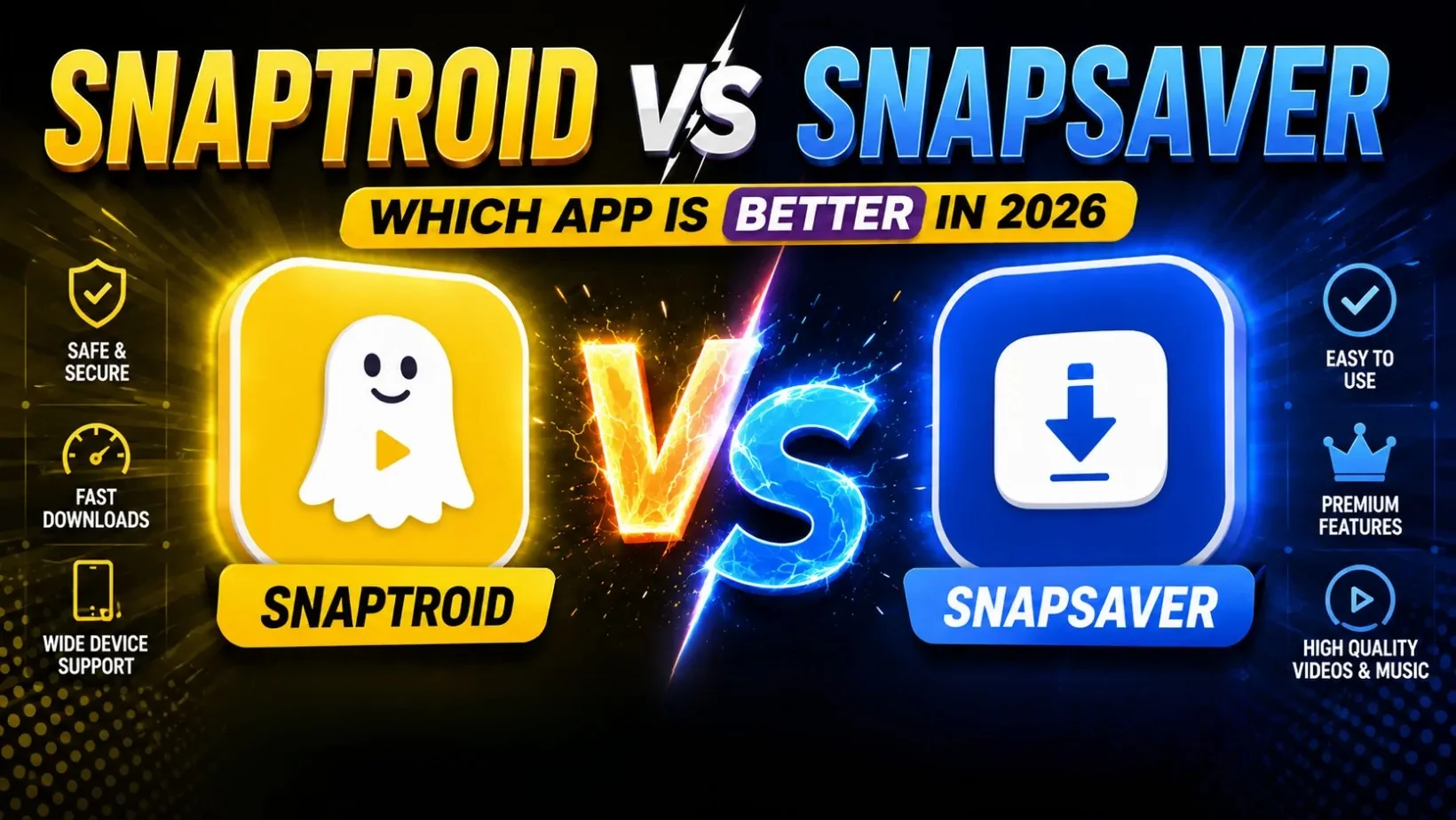
Snaptroid is built around viewing and saving public Snapchat stories without an account. SnapSaver leans more toward straightforward media saving, downloads first, with viewing as a secondary feature. Both solve a real problem, just with a different starting point.
Feature Comparison
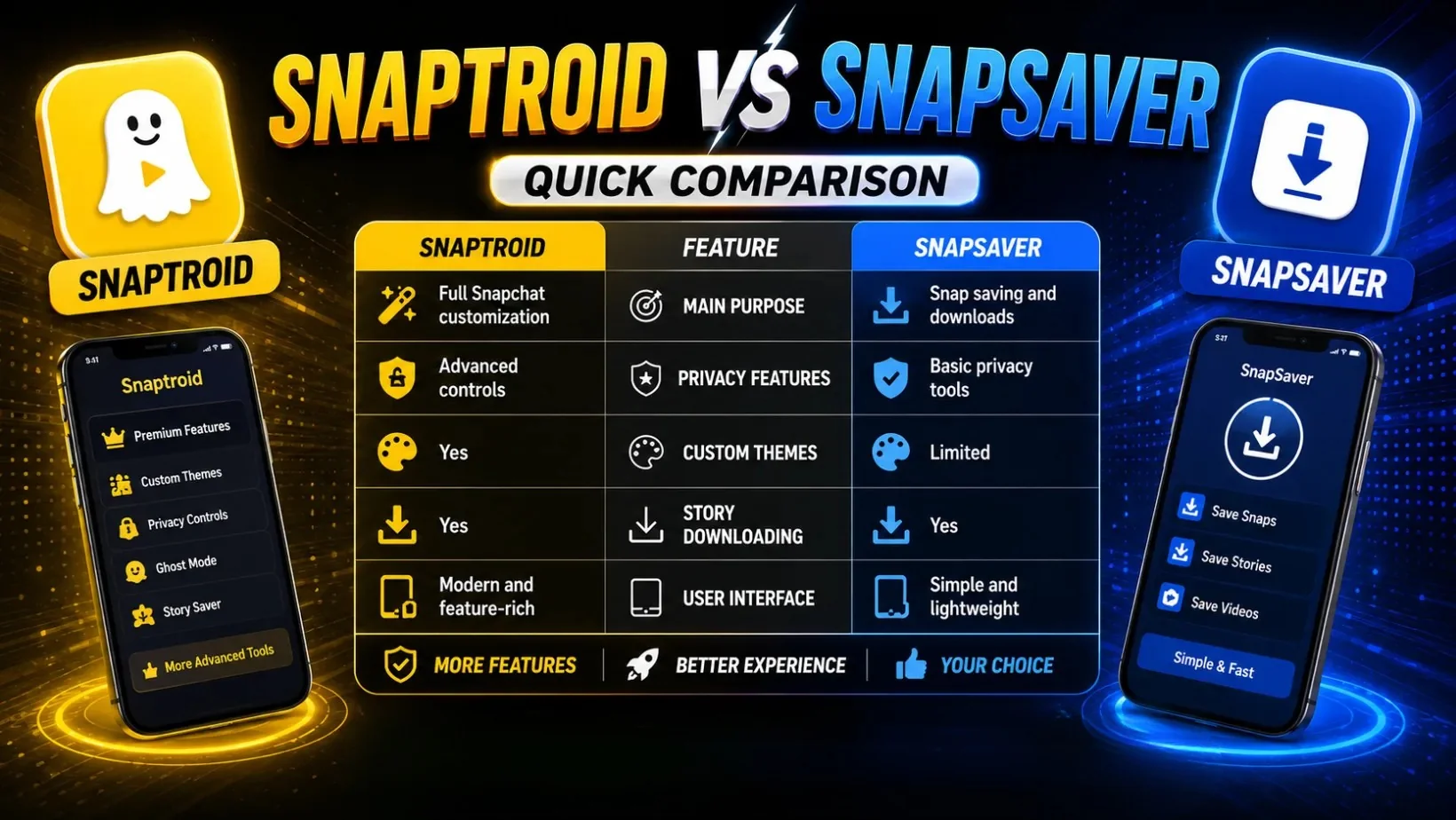
| Feature | Snaptroid | SnapSaver |
|---|---|---|
| Main purpose | Story viewing and saving | Snap saving and downloads |
| Account required | No | No |
| Anonymous viewing | Yes, built around it | Limited, saving-focused |
| Installation | APK install, one-time setup | None, runs in a browser |
| Platform support | Android natively, with iOS and PC paths | Any device with a browser |
| Interface | Simple search-and-view flow | Paste a link, download the file |
| Free tier | Yes, with optional VIP and Pro tiers | Yes, tiers vary by release |
Installation and Setup Compared
This is actually the biggest practical difference between the two, and it is worth being accurate about it. Snaptroid is an installed Android app: enable unknown sources, sideload the APK, and you have a persistent app with a username search and a built-in media manager ready to go. SnapSaver, at least the version most people land on, works entirely through a browser, paste a link to a story or video, and it processes the download on the spot, no install step at all. That makes SnapSaver faster to try once and easier to use on a device you do not want to put an APK on, while Snaptroid trades that convenience for a proper app you do not have to revisit a website to use.
Media Organization and Storage
Once you have saved more than a handful of stories, how an app organizes them starts to matter as much as how fast it downloaded them. Snaptroid's built-in media manager keeps everything sorted in-app, browsable by when it was saved, without relying on your phone's general gallery or file manager. SnapSaver's more saving-focused design tends to hand files off to your device's default download folder instead, quicker to set up, but it leaves organizing everything to your phone's own file manager over time. Neither approach is wrong, it depends on whether you would rather browse saved content inside the app or manage it yourself afterward.
Long-Term Reliability and Updates
Version history is one of the more overlooked factors when comparing two apps in this category. Snaptroid has a clearly documented run from 2.0 through 5.1, tracked in full in our version breakdown, which makes it straightforward to confirm you are running a current, patched build. SnapSaver's release history is less consistently published, so verifying whether a given download is current takes more digging on the user's part. That gap matters most if you plan to keep either app installed long-term rather than trying it once and moving on.
Where Each One Wins
SnapSaver's real advantage is reach: since it runs in a browser, it works on a work laptop, a school Chromebook, an iPhone, anywhere you cannot or do not want to install an app. Snaptroid gives up that no-install convenience in exchange for being a full, persistent tool: anonymous browsing by design, a built-in media manager, and a documented version history you can actually check. If browsing public stories regularly is the priority, Snaptroid's whole design points that direction. If you just need to grab one video right now on a device you cannot install anything on, SnapSaver is the more direct option for that one task.
Safety Considerations
The two carry different kinds of risk because they work differently. Snaptroid is a sideloaded APK, so the usual rules apply: download from a source you trust, check the permissions requested, and keep it updated, covered in full in our Snaptroid safety guide. SnapSaver has no permissions to grant since nothing installs, but that shifts the risk to the website itself, confirm you are on the real domain before pasting any link into it, the same way you would with any browser-based tool that processes your data.
Which One Should You Choose?
Choose Snaptroid if you want a proper app for viewing and saving stories regularly, without reopening a browser tab every time. Choose SnapSaver if you just need to pull one piece of content right now and do not want to install anything at all. Our Snaptroid vs. Instatroid comparison is worth a look too if a similarly branded name is what actually brought you here.
Frequently Asked Questions
Is SnapSaver free to use?
SnapSaver's core saving features are free, similar to Snaptroid, with some tools reserved for a premium tier depending on the version.
Can I use Snaptroid and SnapSaver together?
Yes, there is no conflict between the two. Some people use Snaptroid for viewing and one app for saving specific media types.
Which one is more private?
Snaptroid is built specifically around anonymous, account-free viewing, which gives it an edge if privacy while browsing is your main priority.
Does SnapSaver work on iOS and PC?
Yes, since it runs through a browser rather than an installed app, it works on iOS, PC, Mac or Android, anywhere with a modern browser, actually wider raw device support than an installed APK.
Which app has better update history?
Snaptroid does, with a clearly documented version history from 2.0 through 5.1. SnapSaver's release history is published less consistently, which makes it harder to confirm you are on a current build.
Final Verdict
These are not really competing for the same moment. Snaptroid is the better fit for ongoing, account-free story browsing, while SnapSaver earns its place as the faster option when you just need one file and do not want to install anything to get it. Worth knowing both exist rather than picking a side.